Local, Workshop and NuGet in one list
Every mod card carries a source tag. Organise by group, drag to reorder, restore an earlier version if you change your mind, and run a health check.
Read Mod ManagementThe mod manager for Escape from Duckov. Local, Steam Workshop and NuGet mods share one list, and mod suites switch with one click.
For Windows 10 / 11 (x64). macOS, Linux and the portable build are on GitHub Releases.GitHub Releases
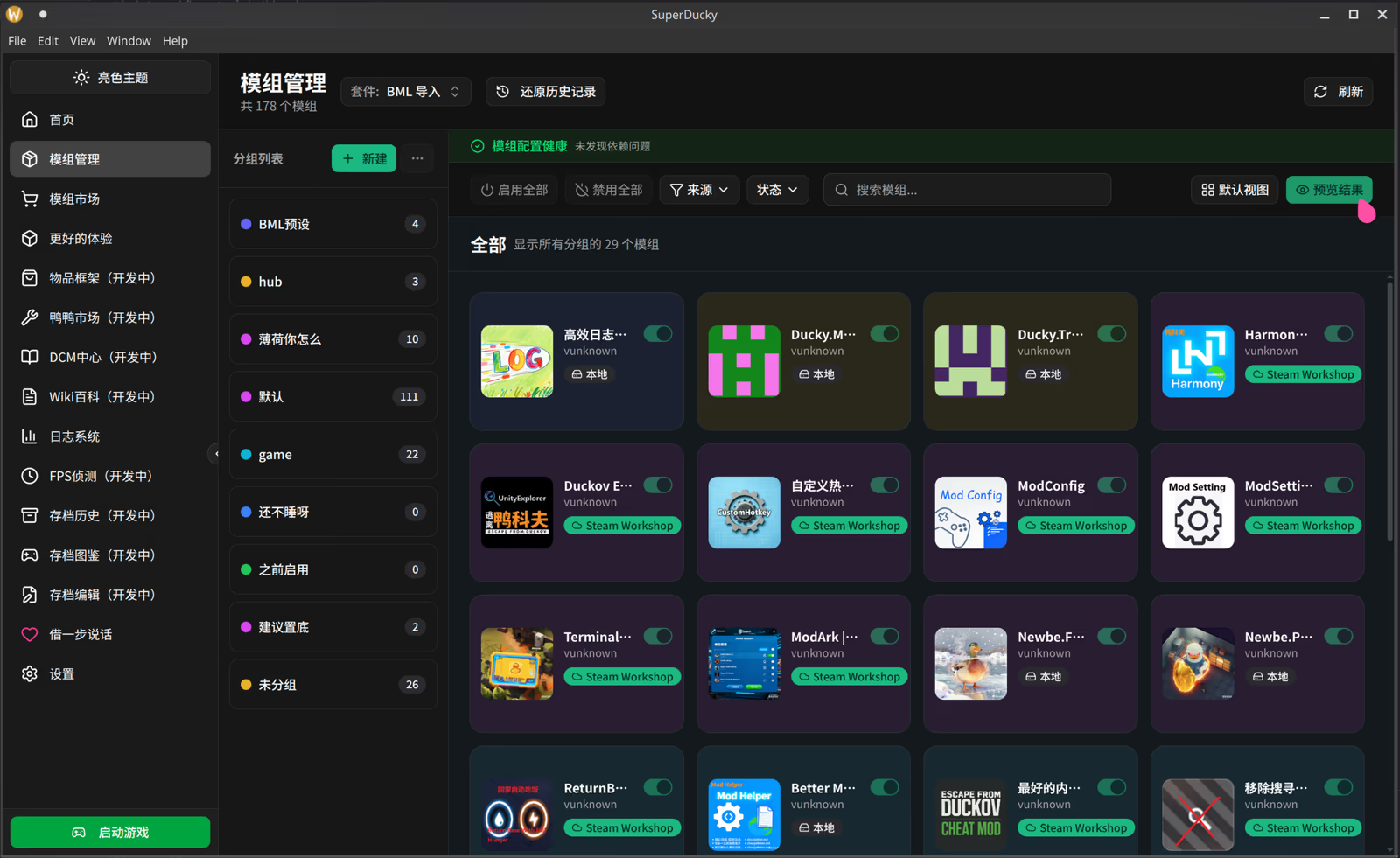
Every mod card carries a source tag. Organise by group, drag to reorder, restore an earlier version if you change your mind, and run a health check.
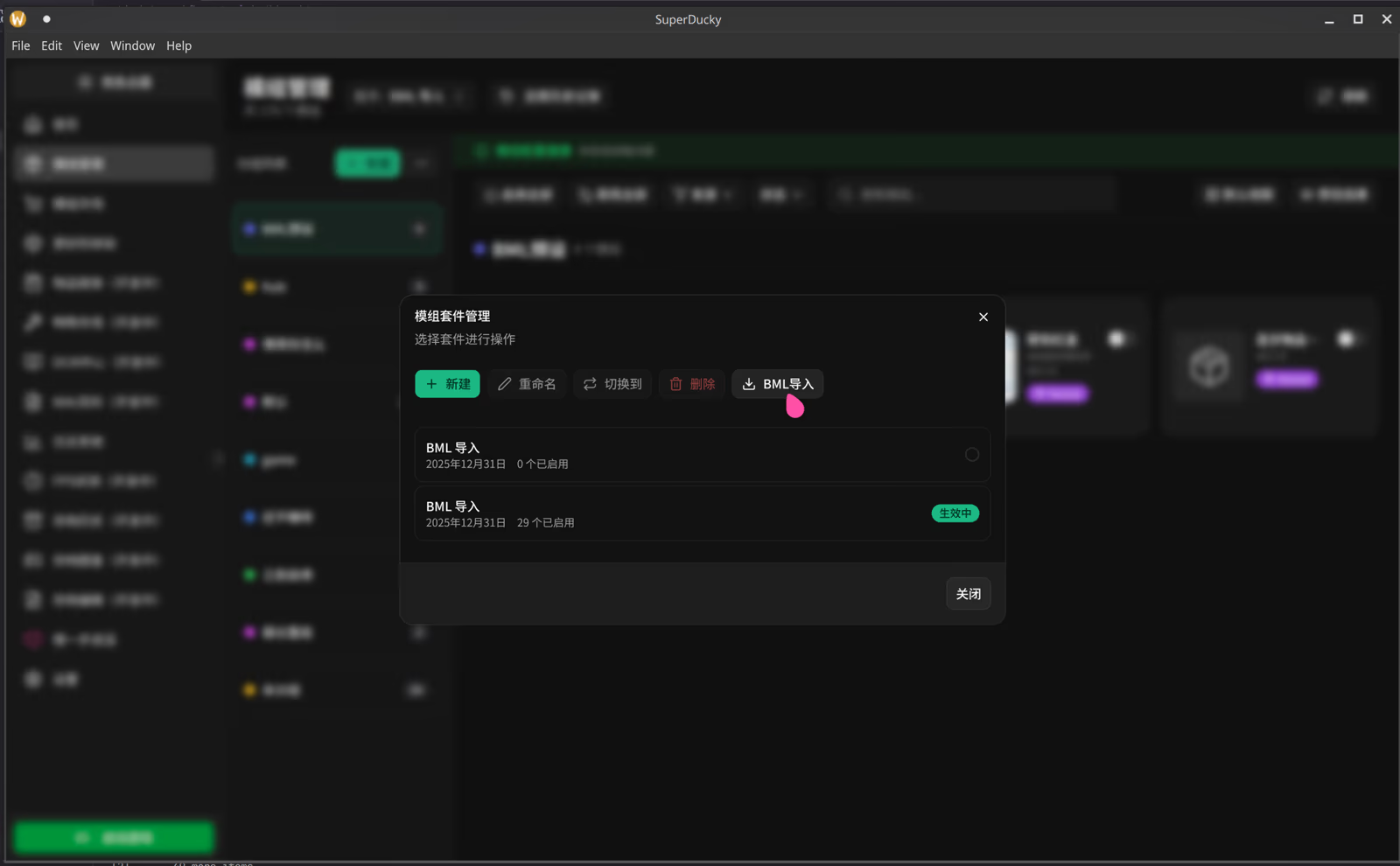
Read Mod ManagementSave mods as separate mod suites, then create, rename, switch and delete them from one dialog. An existing Better Mod Loader setup can be imported.
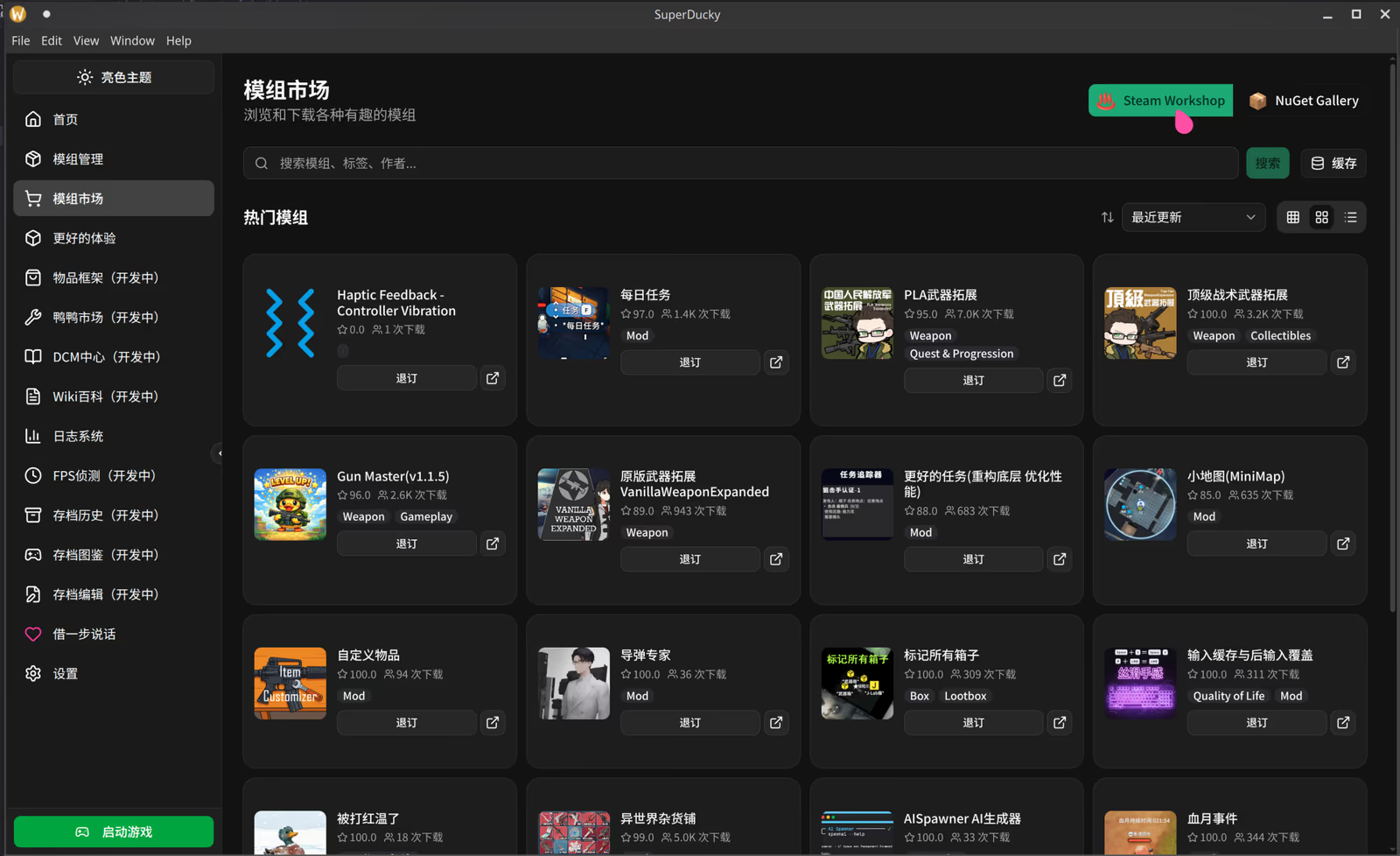
Learn about mod suitesThe mod market has two sources, Steam Workshop and NuGet Gallery. NuGet is off by default; read the risk notice before you turn it on.
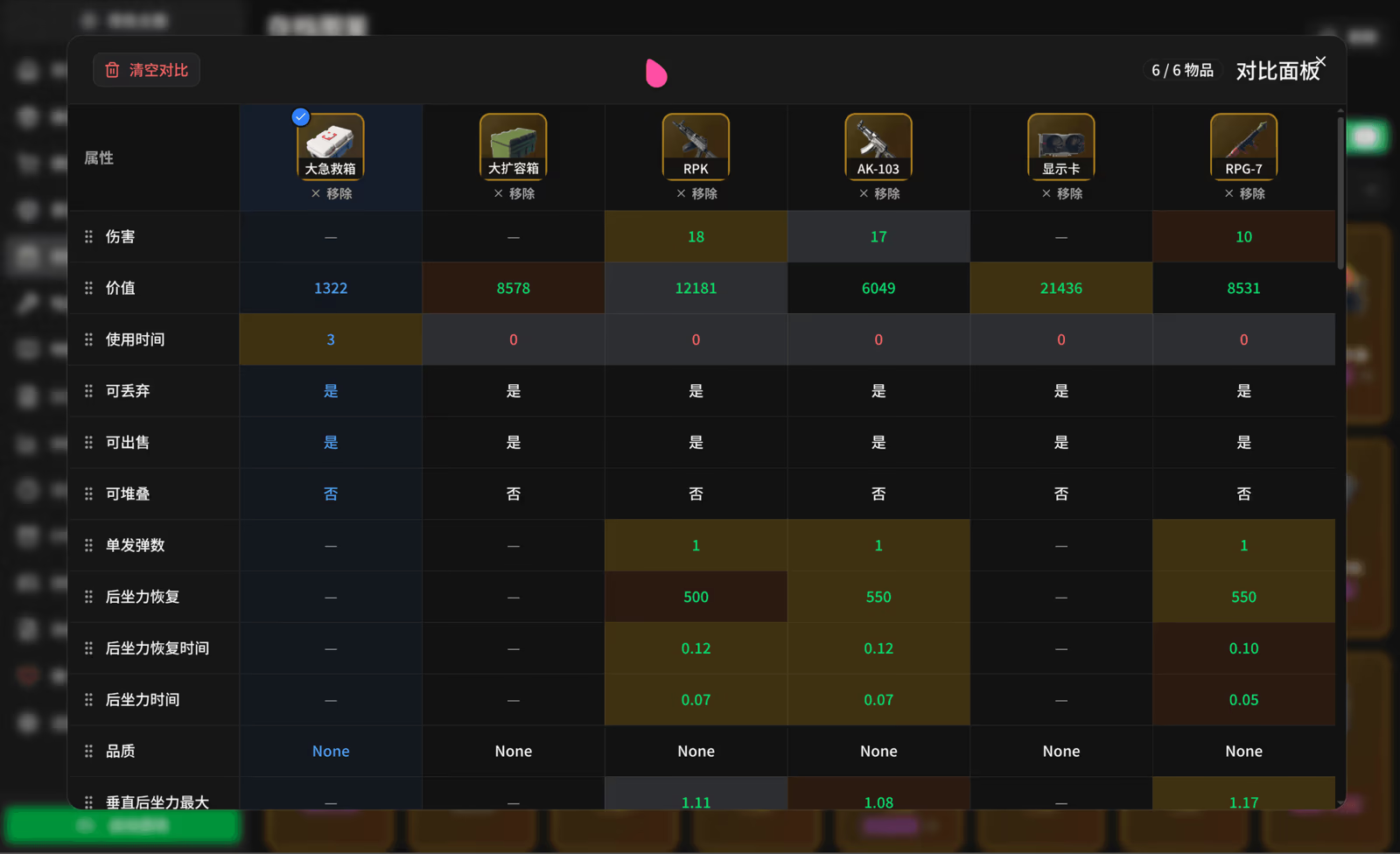
Enable the NuGet marketReads your game save and shows collected items by category, with attributes compared row by row. It needs the SuperDucky.Connector game mod first.
Enable the save galleryLaunch Escape from Duckov straight from SuperDucky, without switching to another window.
See the installation guide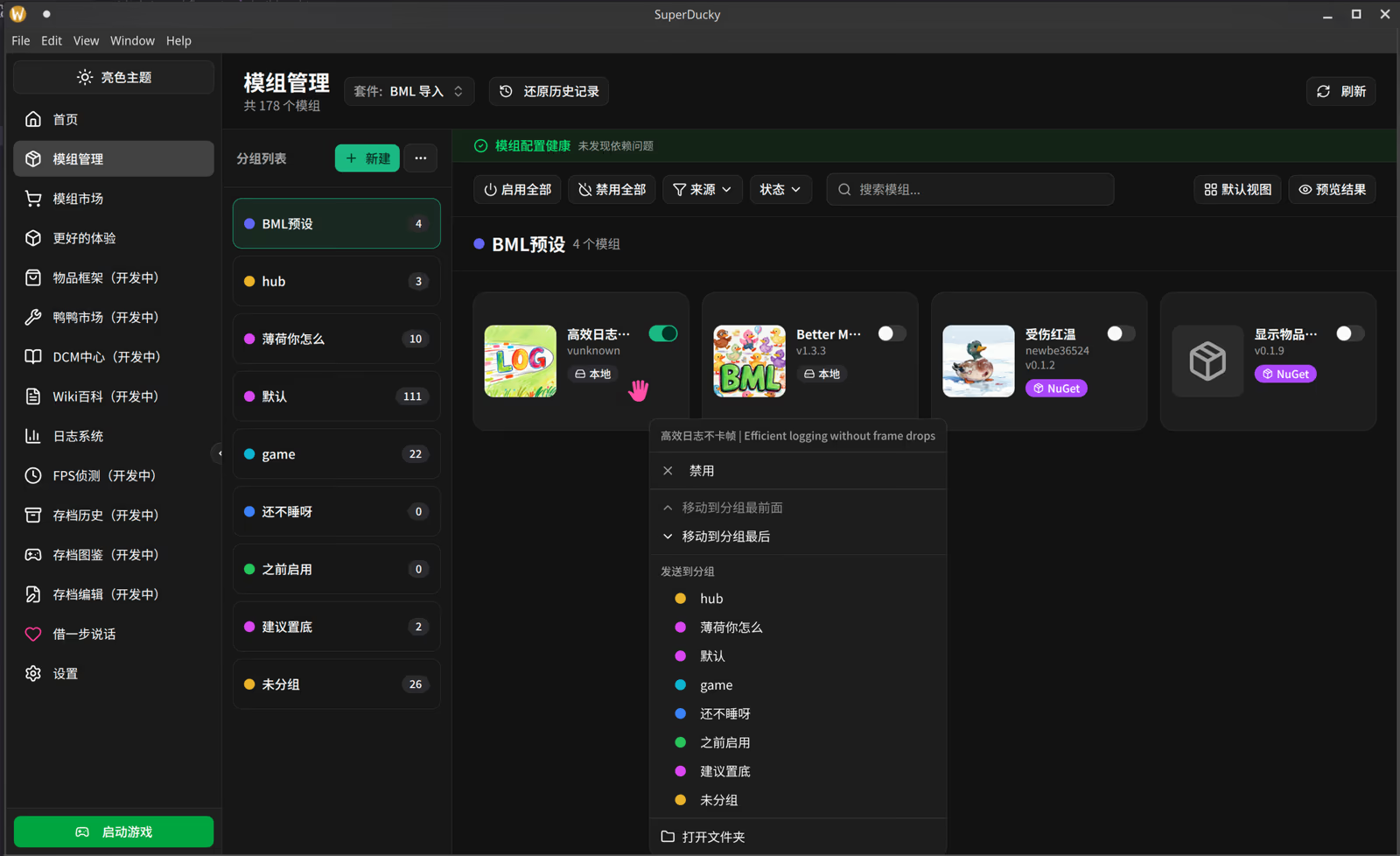
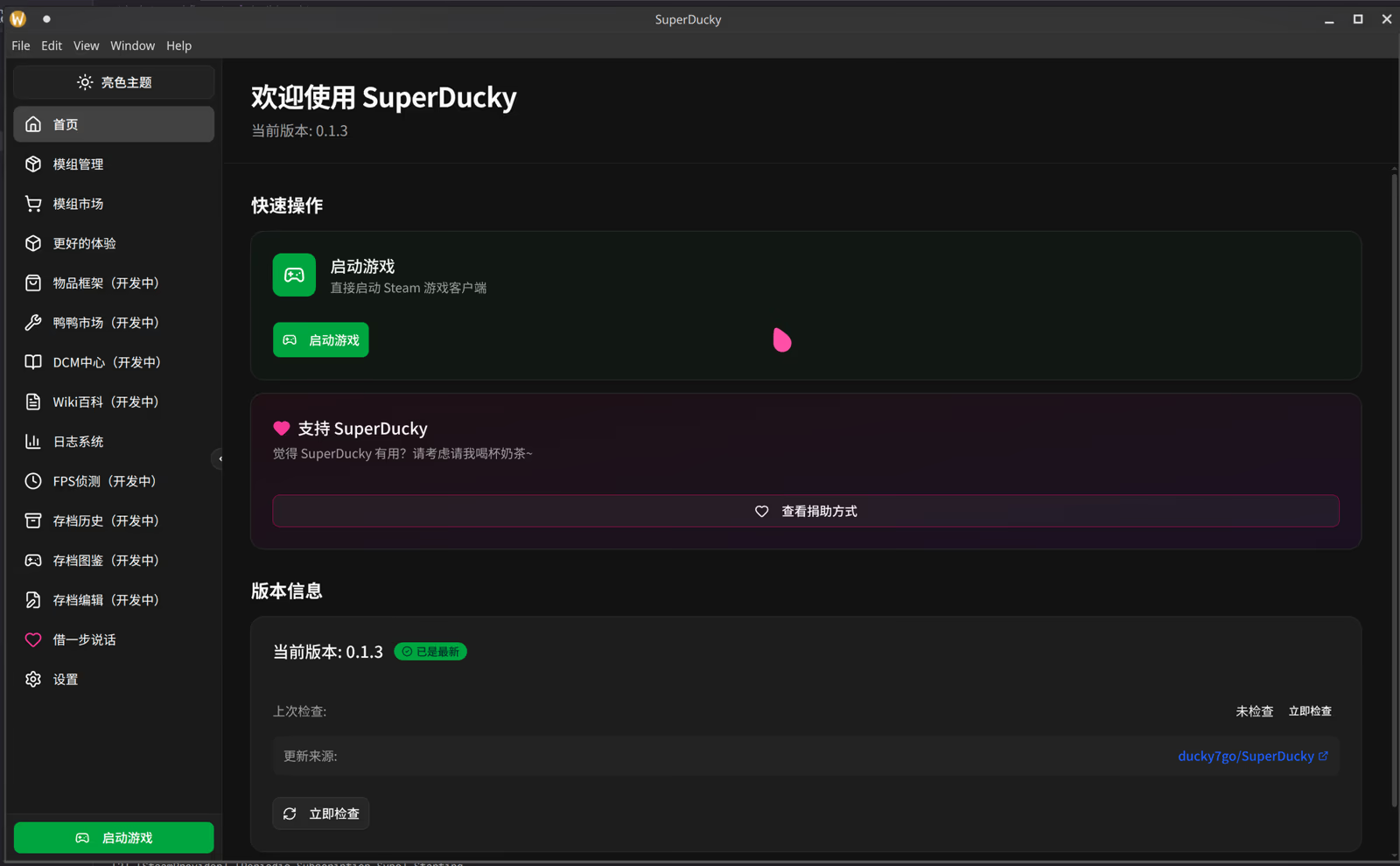
On Windows, install straight from Microsoft Store. Other systems and the portable build are on GitHub Releases.
Stuck on install, switching suites, or turning on NuGet or the save gallery? The steps are here.
HagiCode is an agentic coding workspace. Rich, convenient UI interactions make planning, agent execution, and project work approachable and easy to navigate, creating an engaging development experience.
Explore an engaging development experience through rich, convenient UI interactions.
HagiCode is an agentic coding workspace. OpenSpec workflows plan the change, multi-agent execution carries it out, and Hero Scenario makes the long run visible, so ideas become shipped software.
© 2026 HagiCode | Powered By hagilight-starlight@0.20.0 | Branch: main | Commit: d34e52c | Built: